Course overview
अनुभाग की रूपरेखा
-
-
छात्रों को करना चाहिएजैसा किया गया है उसे चिह्नित करें
Modules
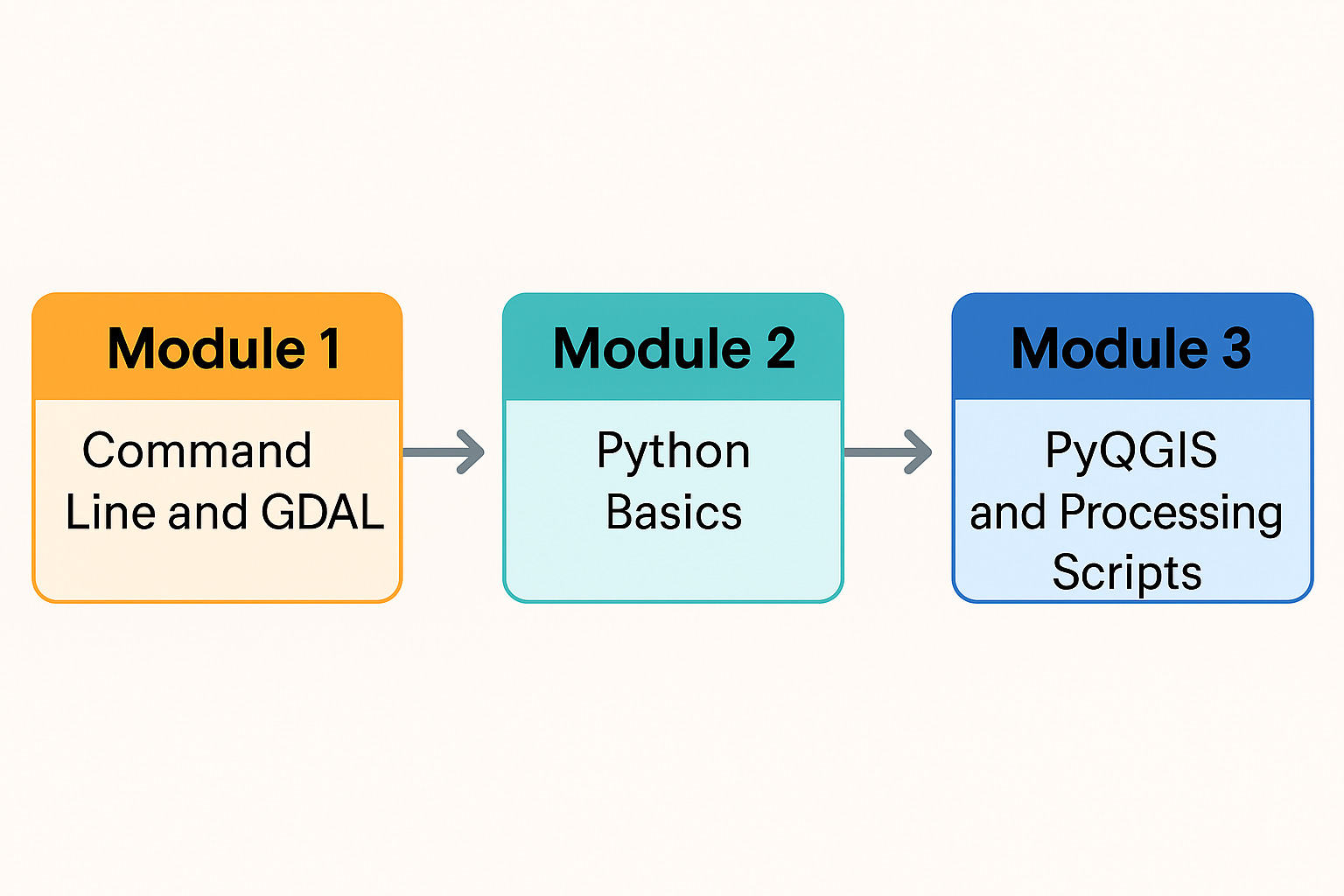
Module 1 introduces you to the command line interface for QGIS users on Windows. This is an essential skill for anyone moving into programming. You’ll also learn how to use GDAL (Geospatial Data Abstraction Layer) from the command line to convert raster and vector formats and to reproject GIS datasets.
Module 2 covers the fundamentals of the Python programming language. You’ll work through a Jupyter Notebook that runs through Jupyter Lab from the OSGeo4W shell, giving you a practical and accessible way to explore core Python concepts.
In Module 3, you’ll start working with PyQGIS, the Python library that powers automation and customization in QGIS. You’ll begin with a Jupyter Notebook integrated directly into QGIS through the Notebook plugin, then move on to writing your own PyQGIS script to build an automated workflow. The module concludes with creating a graphical model and exporting it as a QGIS Processing Script.
Each module explains how to install the required software and datasets. Throughout the course, you’ll work with QGIS and selected plugins to build a solid foundation in scripting and automation.
Learning objectives
After this course you'll be able to:- Manage files and folders using the command Line
- Use GDAL commands to convert GIS data
- Use the command line for batch processing
- Make scripts in Python
- Use PyQGIS for automating GIS work flows
- Create and export graphical models to QGIS Processing Scripts
-