Tutorial: Introduction to GDAL
5. Convert GIS formats
5.3. Convert vector formats
GDAL allows conversions between vector formats using the
gdal vector convert command.Here's a list of supported vector formats.
The general syntax is:
gdal vector convert -f FORMAT <inputFile> <outputFile>FORMAT is the Short Name in the vector drivers table.We're going to convert
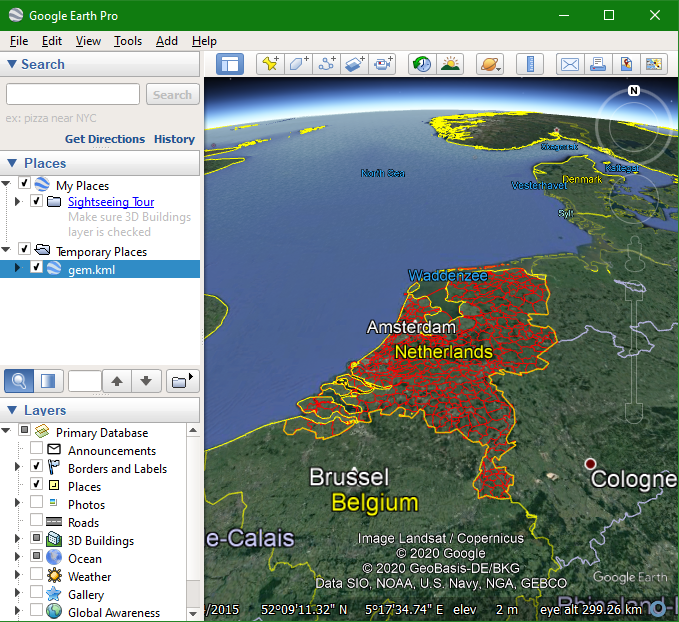
gem_2011_gn1.shp to a Google KML file that can be opened in Google Earth.1. Execute the following command:
gdal vector convert -f KML gem_2011_gn1.shp gem.kml Ignore the warnings. They're related to formats and characters that are not supported.
Here you can find all options of the
gdal vector convert command. Note that you can also use pipelines with vector processing using gdal vector pipeline. More information can be found here.2. Open the file in Google Earth to check the result.