مادة تدريبية: تجهيز بيانات من خرائط ورقية
10. Styling the Mountains, Rivers, and Lakes
10.1. Style Peaks
You will begin with the styling Peaks layer.
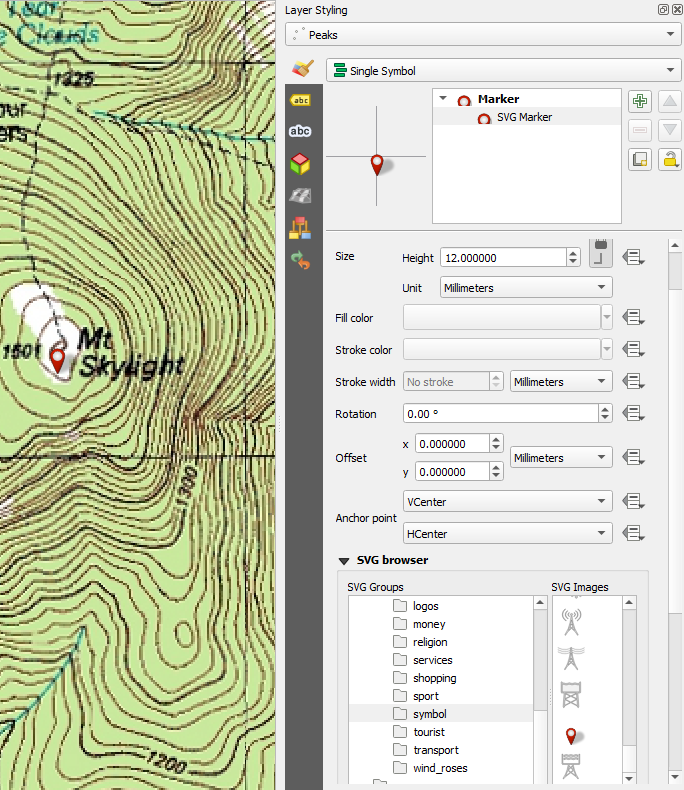
1. Open the Layer Styling panel by clicking the  button. Set the target layer to Peaks.
By default they are styled using a Simple marker.
2. Select Simple marker and change the Symbol layer type to SVG Marker. Below you will find a section named SVG browser. Here you can browse for SVG icons that are installed with QGIS. Find the symbol folder and click on it. Scroll down to find the red marker  icon and select it. Change the Width and Height to 12 mm each.