Tutorial: Stream and Catchment Delineation
8. Delineate Streams
8.1. Calculate Strahler Orders
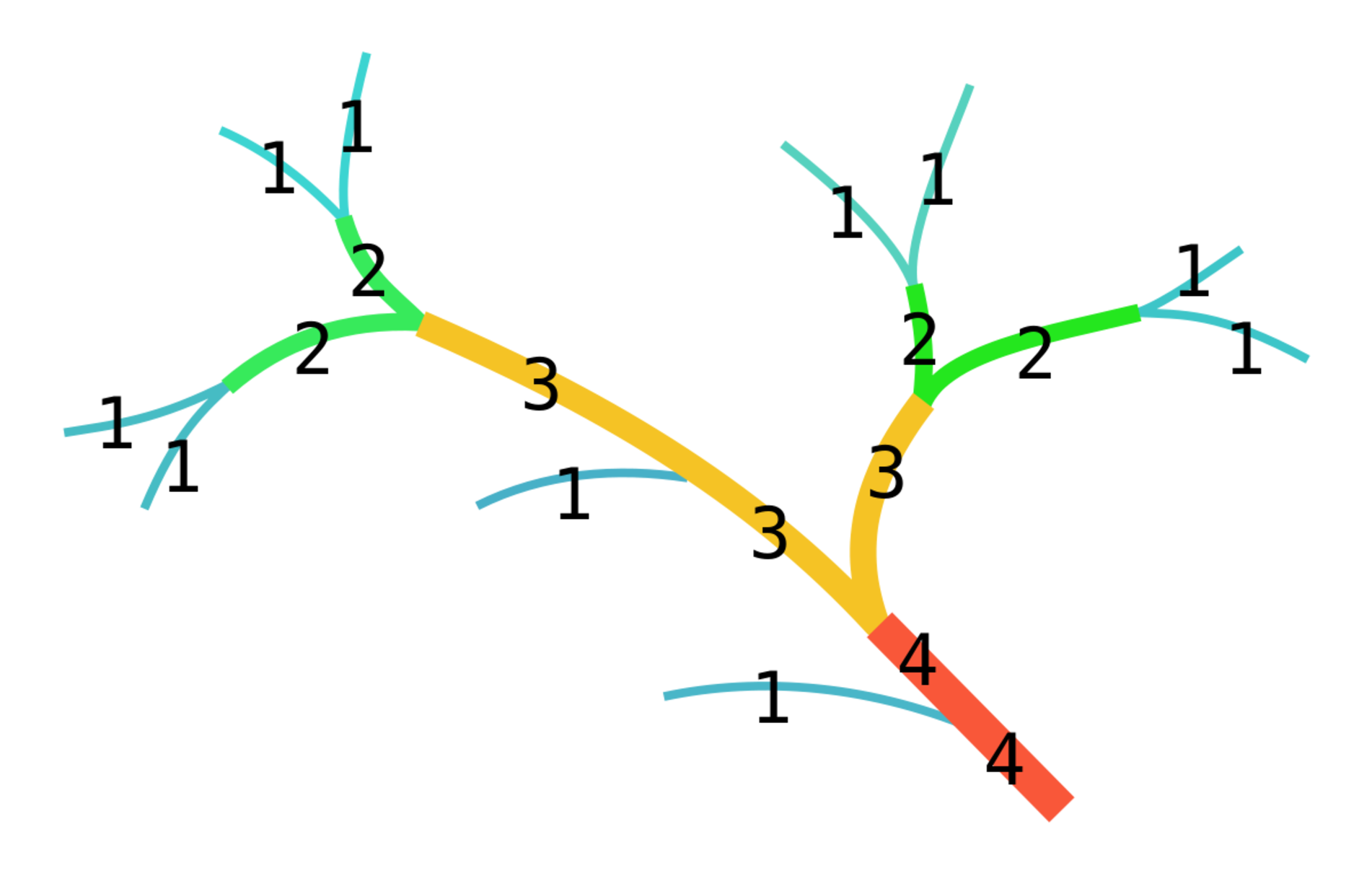
Before we can derive the streams from the DEM, we need to determine what we consider streams. For this purpose we use the Strahler order. The higher the order, the bigger the stream.
1. Close the 3D Map view and show only dem_subset with blended hillshade by unchecking the other layers in the Layers panel. Also zoom out to the full extent.
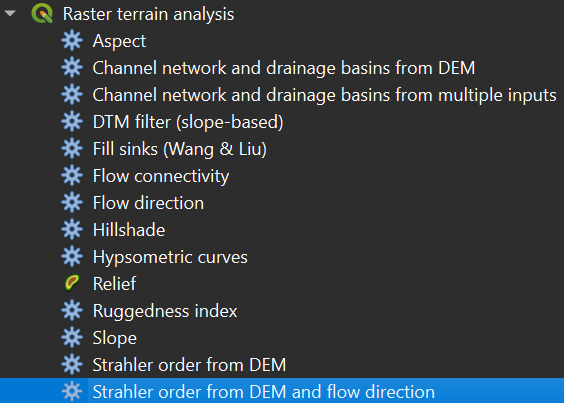
2. In the Processing Toolbox go to Raster terrain analysis | Strahler order from DEM and flow direction.
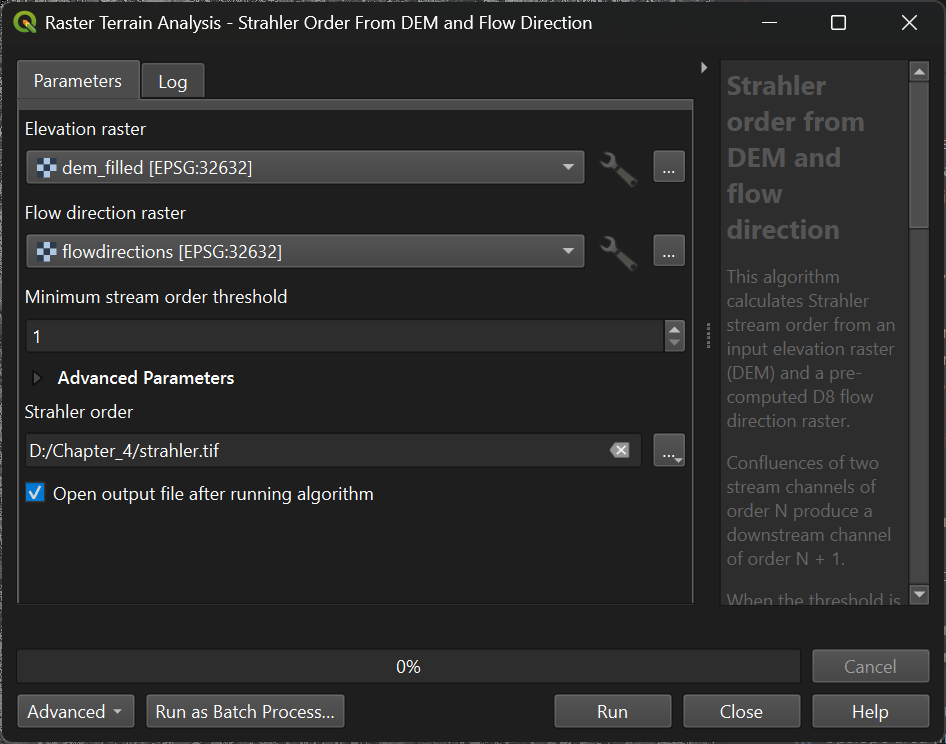
3. In the dialog, select dem_filled for the Elevation raster and flowdirections for the Flow direction raster. Use strahler.tif as the Strahler Order output filename, and click Run. Click Close when the algorithm is done.
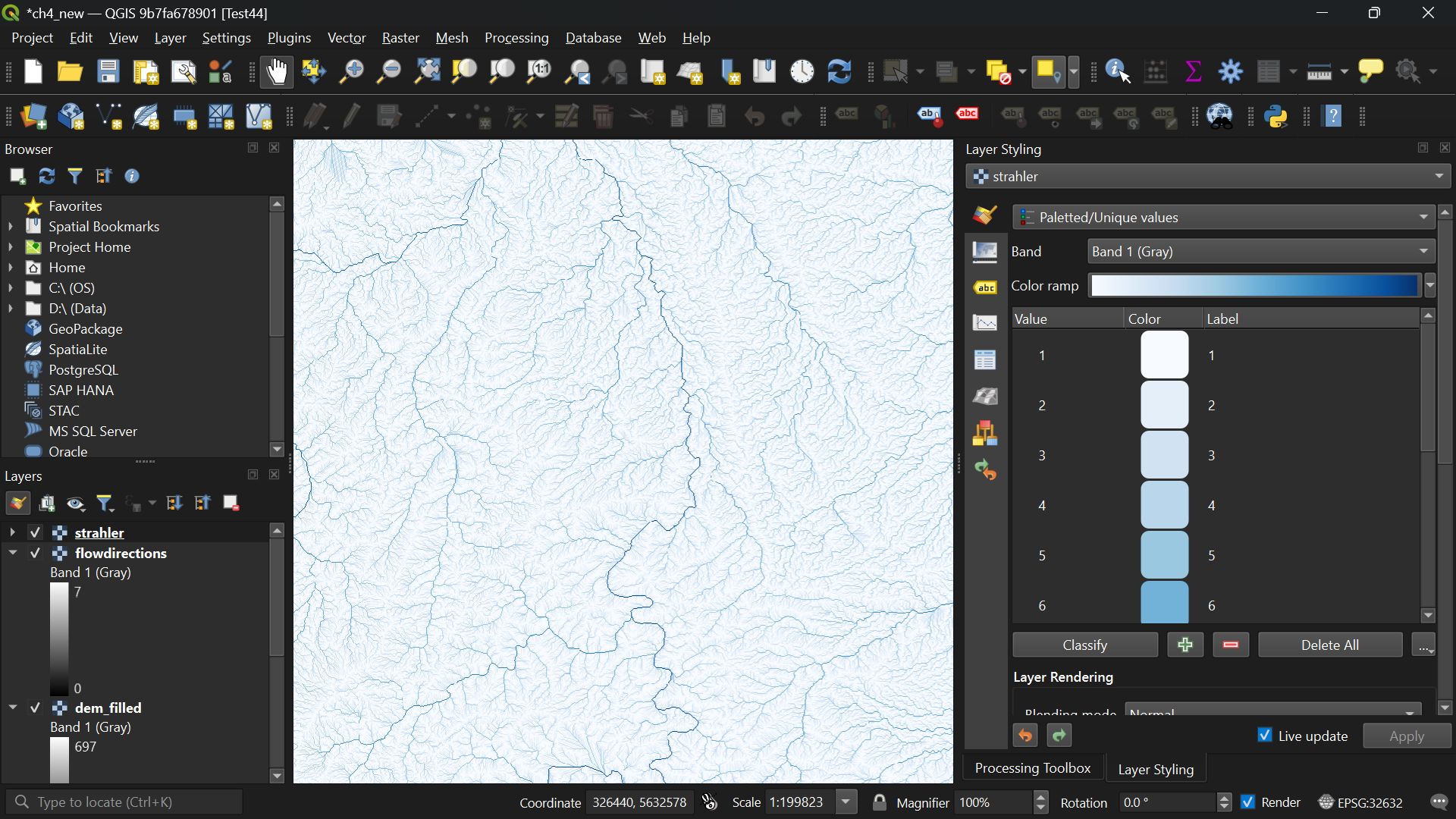
To make more sense of the strahler layer we are going to style it.
- Is the Strahler order layer a Boolean, discrete, or continuous raster?
The Strahler order layer is a discrete raster, but the order of the classes is important. For discrete rasters in QGIS we use the Paletted/Unique values styling. The higher the Strahler order, the bigger the stream. So we will use a color ramp from white to blue.
4. Open the Layer Styling panel if you closed it before and make sure that the strahler layer is selected.
5. Choose Paletted/Unique values from the drop-down menu.
6. Click Classify.
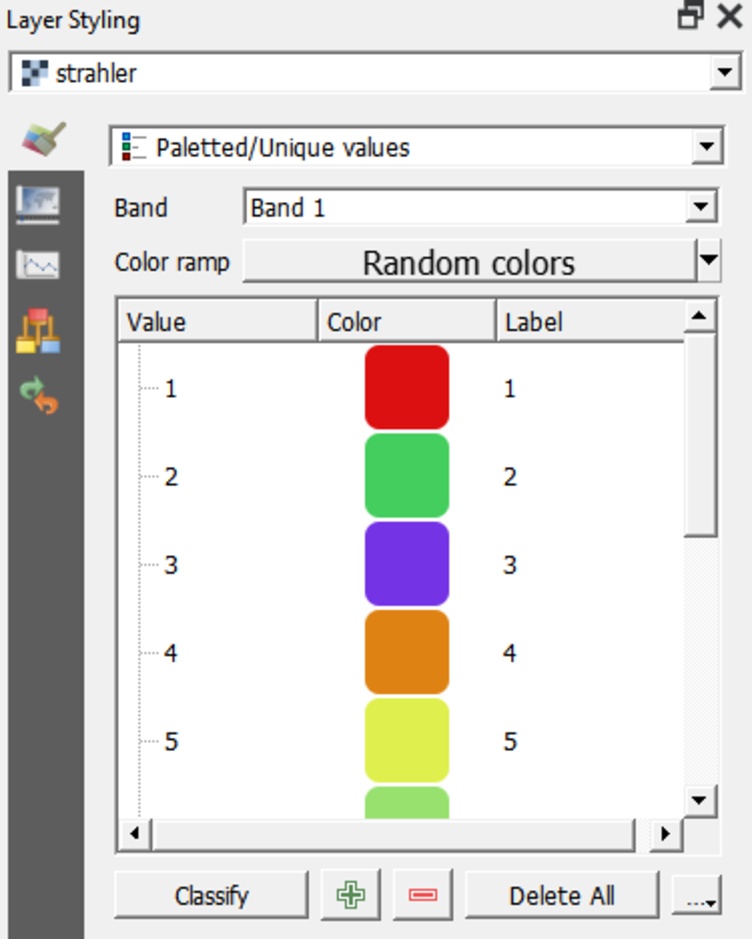
This assigns a unique, random color to each unique value in the raster.
7. Right-click on Random colors and choose Blues.
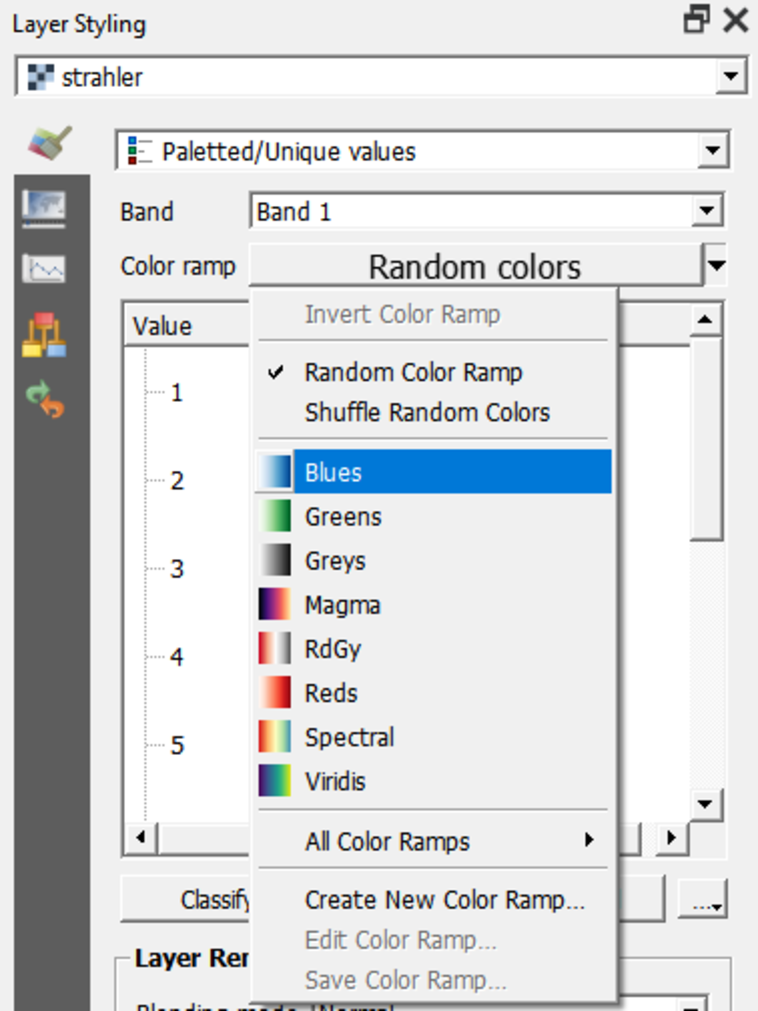
The strahler layer now shows in an intuitive way that the higher orders will be larger streams than the lower orders.