Tutorial: Introduction to GDAL
7. GDAL vector pipeline
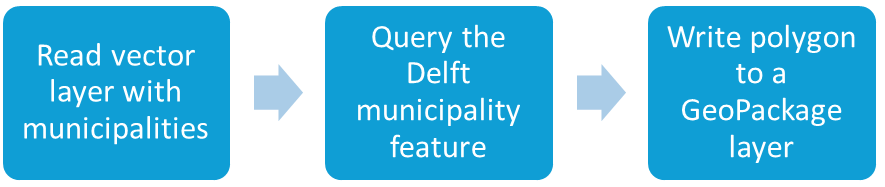
As with raster data, we can also create pipelines with vector data using the gdal vector pipeline command. Because we can only read input data in the first step and write results in the last step, we're going to create two pipelines. We write the results to a new geopackage called data.gpkg.
Pipeline 1: Extract the Delft municipality polygon
- Execute the following command:
gdal vector pipeline read gem_2011_gn1.shp ! sql --sql "SELECT * FROM gem_2011_gn1 WHERE GM_NAAM = 'Delft'" ! write data.gpkg --output-layer municipality
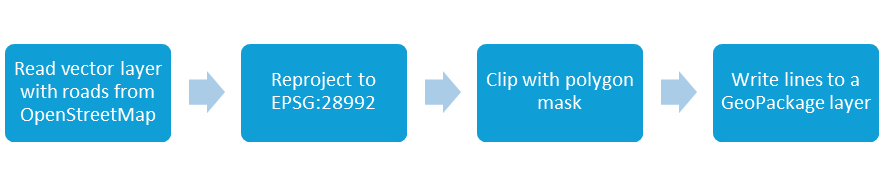
Pipeline 2: Reproject roads, clip them to Delft, and write to the same GeoPackage
2. Execute the following command:
gdal vector pipeline read roads.shp ! reproject -d EPSG:28992 ! clip --like data.gpkg --like-layer municipality ! write data.gpkg --output-layer roads_delft --update
3. Check the results in QGIS.