Tutorial: Introduction to GDAL
8. Clip raster with a polygon
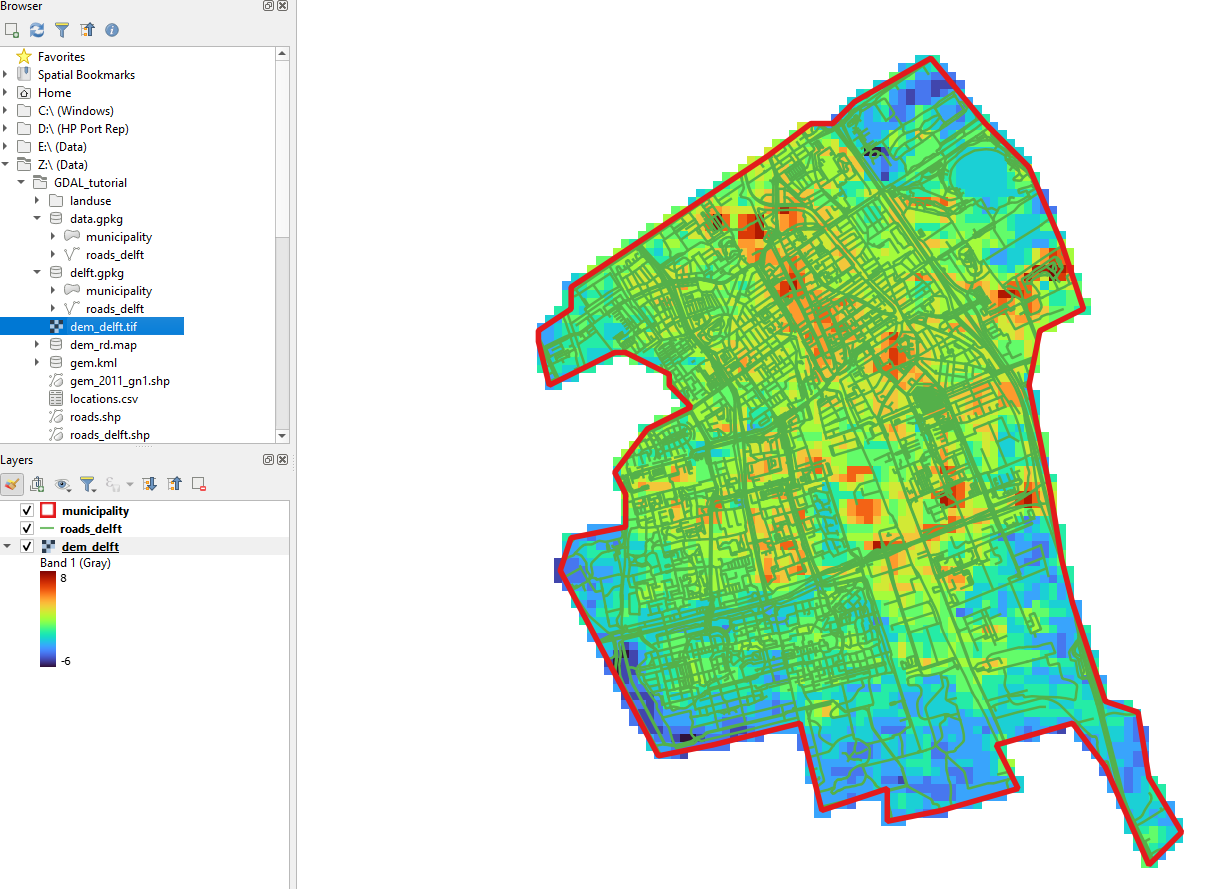
We can now clip the DEM with the boundary polygon of the municipality of Delft using the gdal raster clip command.
- Execute the following command:
gdal raster clip --like data.gpkg --like-layer municipality -f GTiff dem_rd.map dem_delft.tif - Check the result in QGIS
Assignments
- Check the documentation of
gdal raster clipand try to get the same result by now using SQL to select the municipality from the gem_2011_gn1.shp layer as we did before in other commands. - Create a
gdal raster pipelinefor the workflow that reprojects the srtm_37_02.tif layer to EPSG:28992 and clips it to the municipality of Delft.