Introduction to Python
5. Use Jupyter Notebooks
In the left panel in JupyterLab, you can find the files in the folder where we have started the JupyterLab server. We see Jupyter Notebooks with the ipynb file extension:

- Double-click on PythonIntro.ipynb to launch the Jupyter Notebook.
It appears now in a tab on the right.
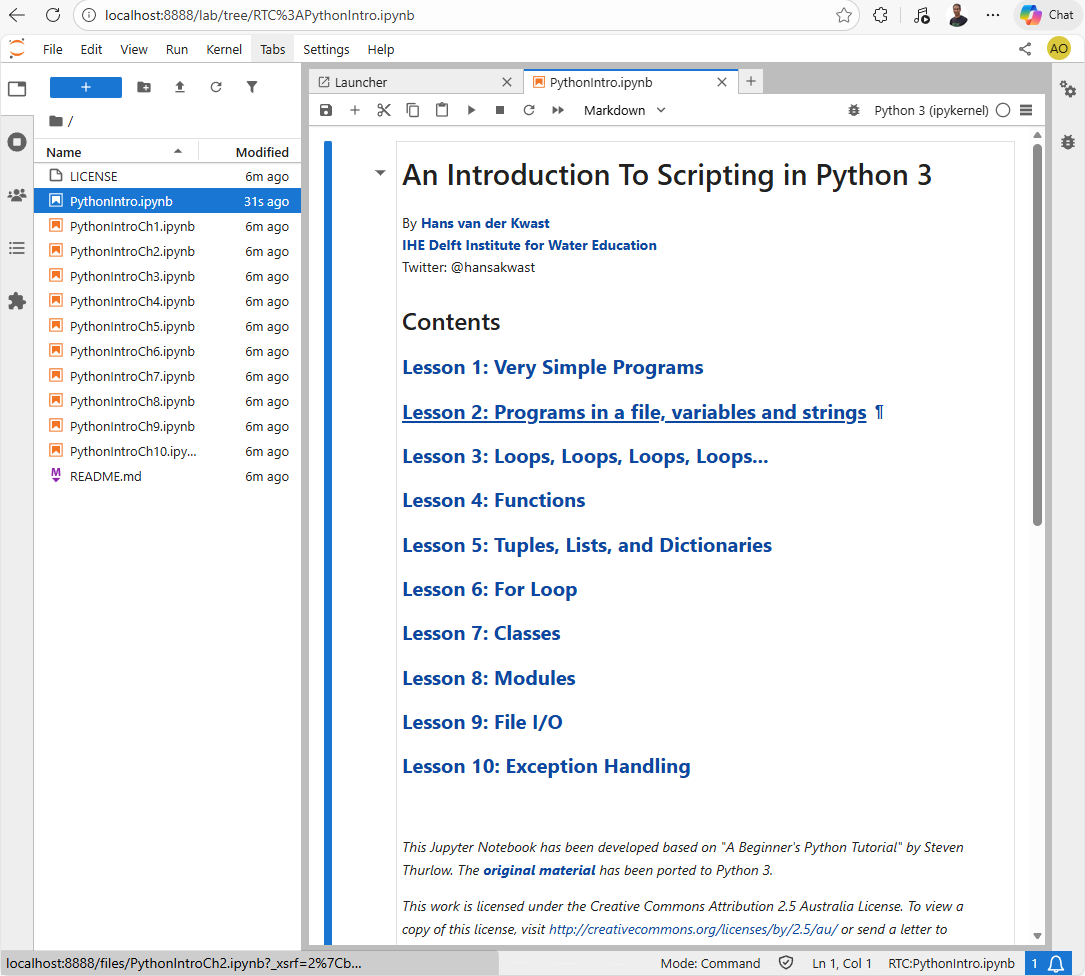
This first Jupyter Notebook has the table of contents of this tutorial.
2. Click on Lesson 1.
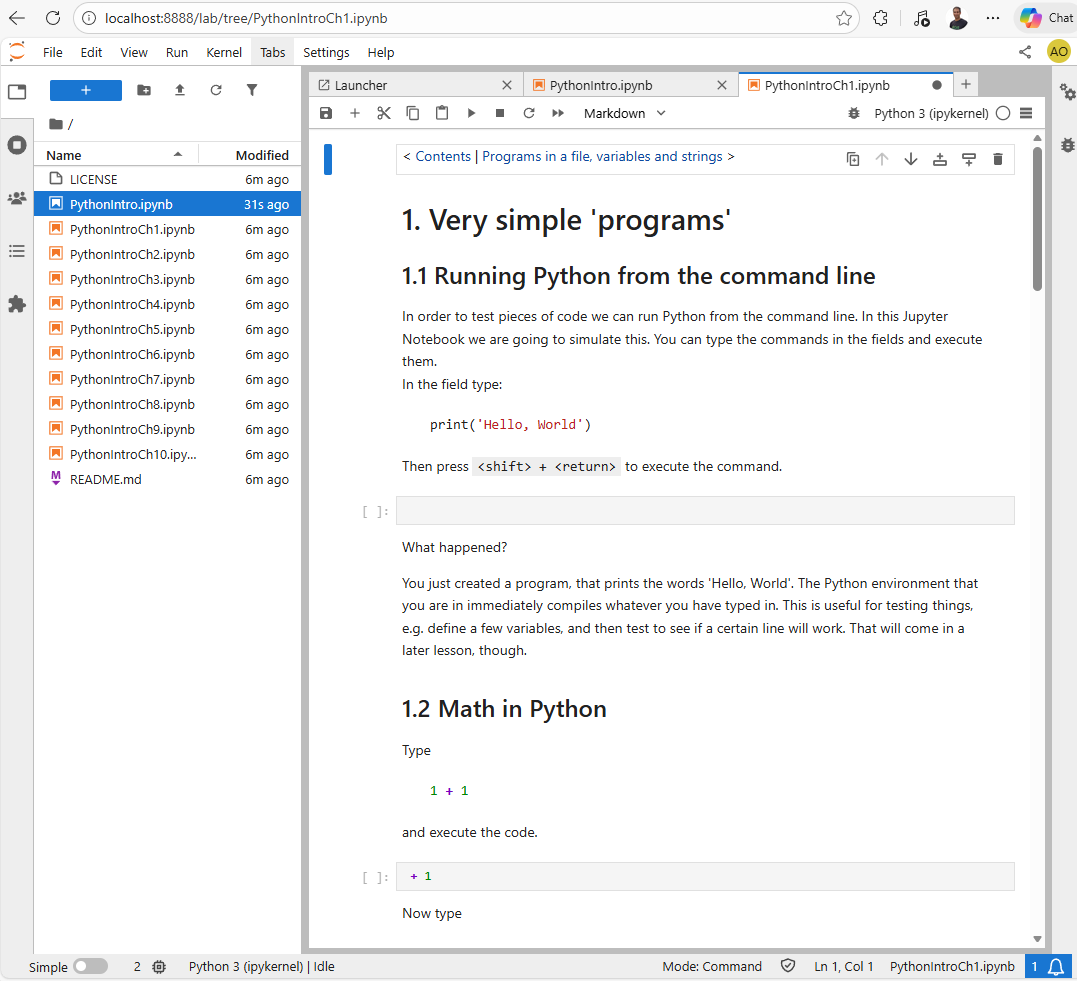
3. Follow the instructions in the Jupyter Notebook and complete the entire tutorial (all notebooks in the folder).