Create a Graphical Model and Processing Script for the HAND algorithm
6. Run the Model
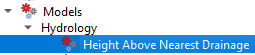
You can run the model from the model designer by clicking  or you can run the model from the Processing Toolbox. where it now appears under Models | Hydrology | Height Above Nearest Drainage.
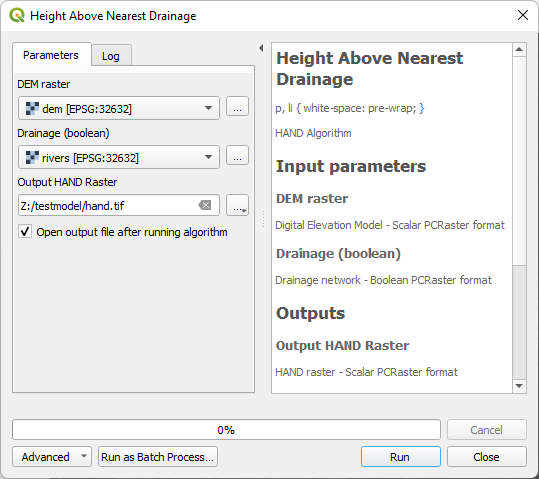
1. Run the model with data from the previous tutorial.
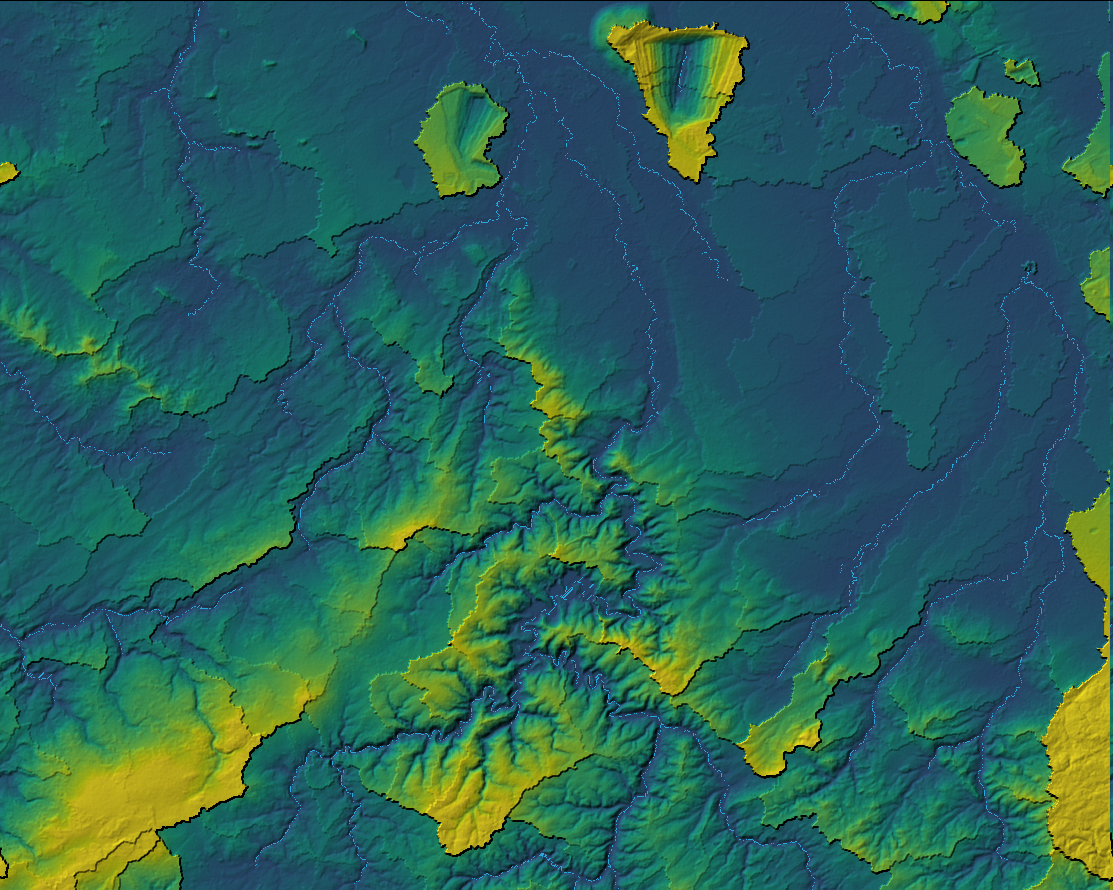
2. Check and style the result.
In the next chapter, we'll convert the graphical model to a QGIS Processing Script.
Note that Graphical Models can be shared through the QGIS Resources Hub. Watch this video for more information:
This model can be downloaded from the QGIS Resources Hub or installed through the QGIS Hub plugin.