
Tutorial: Create a field data collection app with QGIS and Mergin Maps
10. Synchronise the QGIS project with Mergin cloud service
Now our project is setup, we're ready to synchronise it to the Mergin cloud service and then our mobile device. Let's first synchronise the project with the Mergin cloud service.
1. Save your project
2. Click the Synchronise Mergin Maps Project  icon in the Toolbar.
A popup with the status of your project appears:
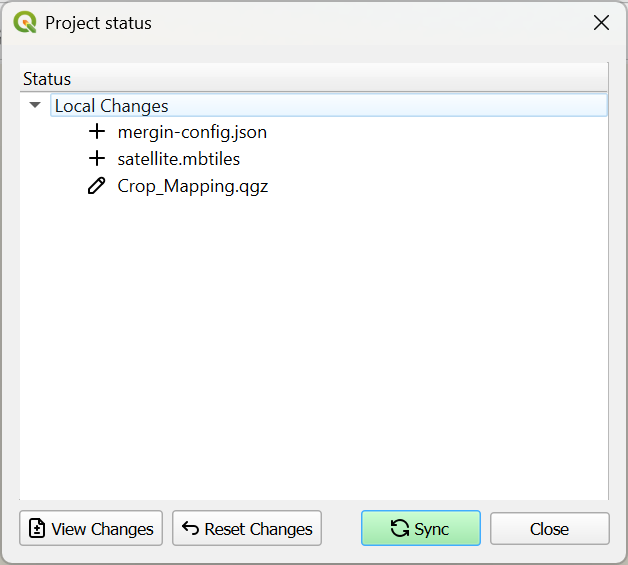
3. Click the Sync button.
After a while you'll see the popup with the message that the synchronisation was successful.
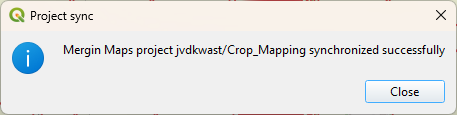
4. Click Close.
Now your project is in the Mergin Maps cloud.
In the next section we'll synchronise the project from the cloud with our mobile device.