
Tutorial: Create a field data collection app with QGIS and Mergin Maps
5. Add online background layers
For our crop mapping survey it's useful to add some layers to orient ourselves.
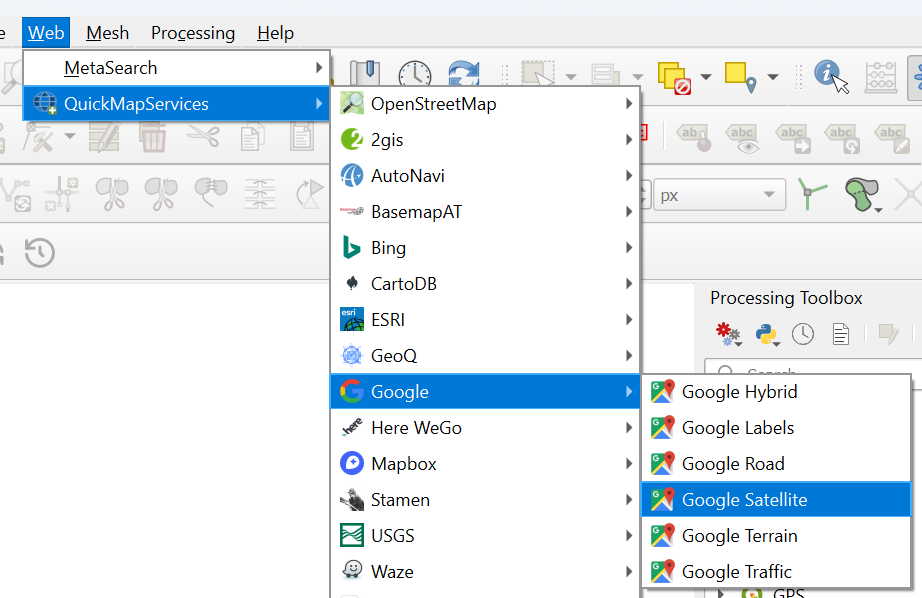
We're going to add Google Satellite. We can use the QuickMapServices plugin to load the layer.
- In the main menu go to Plugins | Manage and install plugins....
- Install the QuickMapServices plugin and close the dialog after installing.
- In the main menu, go to Web | QuickMapServices | Google | Google Satellite.
3. Drag the Survey layer to the top.
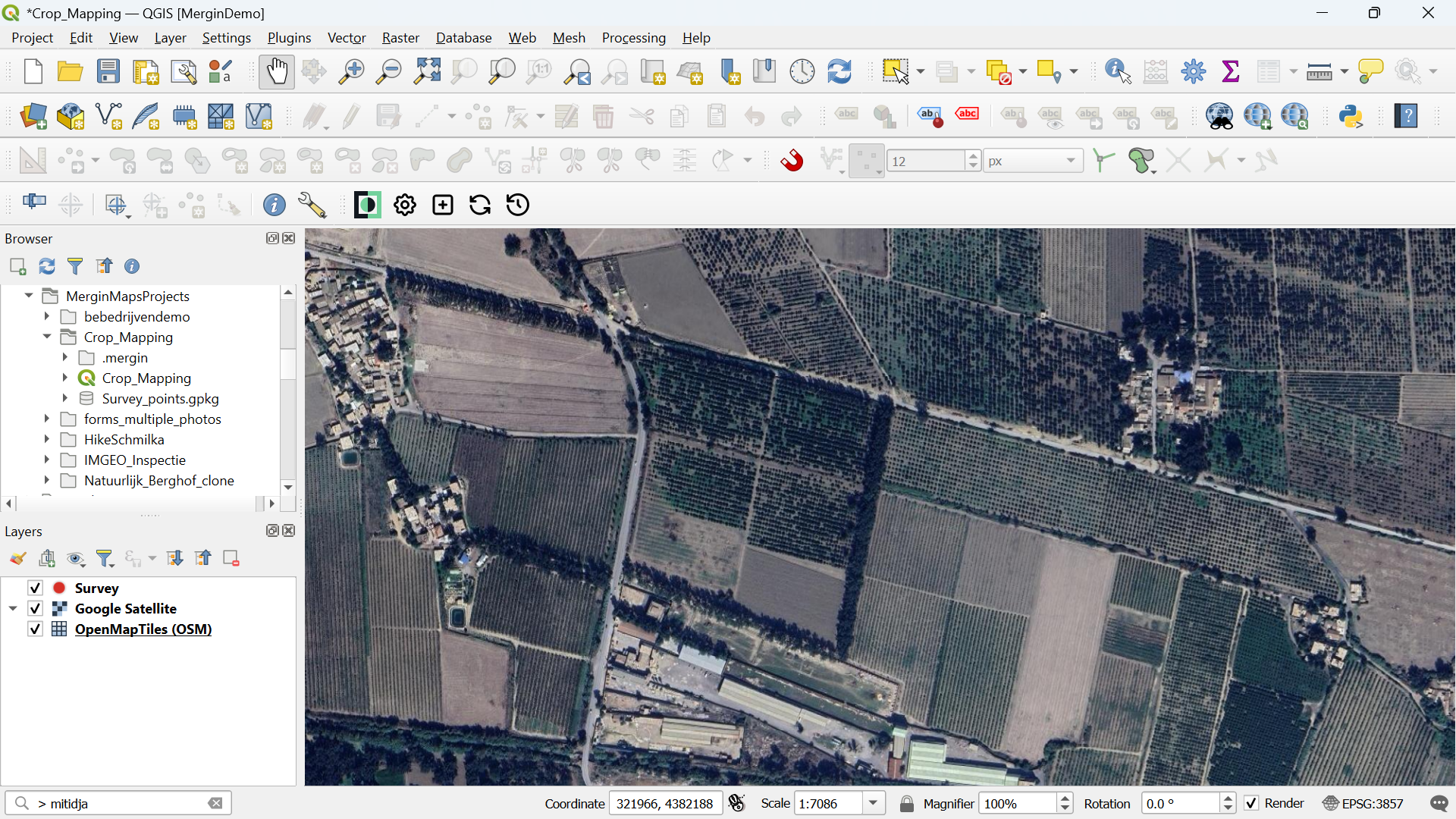
These layers are online, so when use them in the field, we need an internet connection. In the next section, we'll convert the online layer to an offline layer.
4. Save the project.