
Tutorial: Remote Sensing Image Classification with QGIS
5. Using the Semi-Automatic Classification Plugin
5.8. Preview the Classification
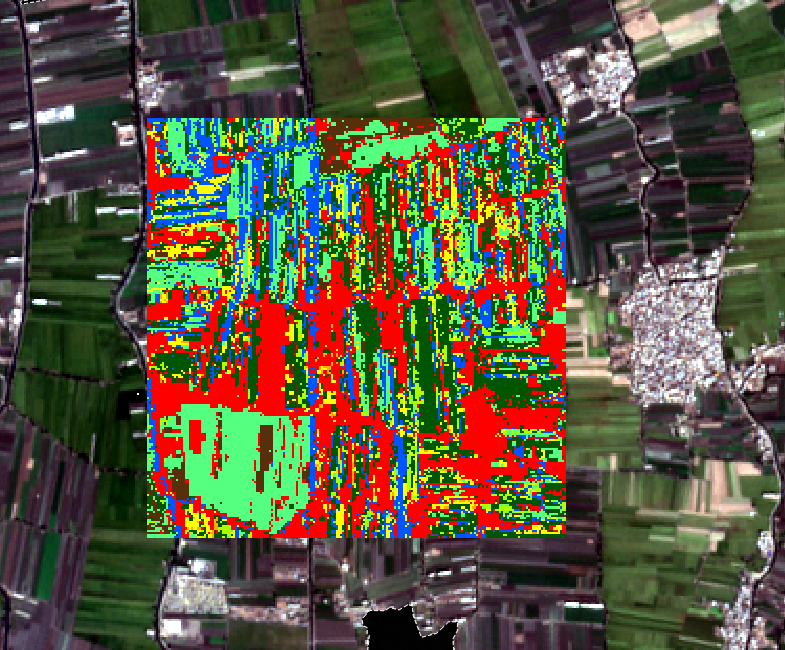
A nice feature of SCP is that we can preview the classification for a small area.
- In the SCP toolbar, click
 to activate the classification preview pointer.
 - Click somewhere in the image.
SCP will now calculate the preview classification. That will take a couple of minutes for the first one. The next ones will be calculated faster.
3. Click at several locations to see the preview.
In the next section, we'll classify the entire image.