
Tutorial: Remote Sensing Image Classification with QGIS
4. Segment Parcels with the AI Segmentation Plugin
4.1. Install the AI Segmentation Plugin
In this section we'll install the AI Segmentation by Terralab plugin.
-
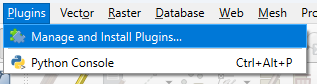
In the main menu go to Plugins | Manage and Install Plugins....
- Search for AI Segmentation by Terralab and click Install Plugin.
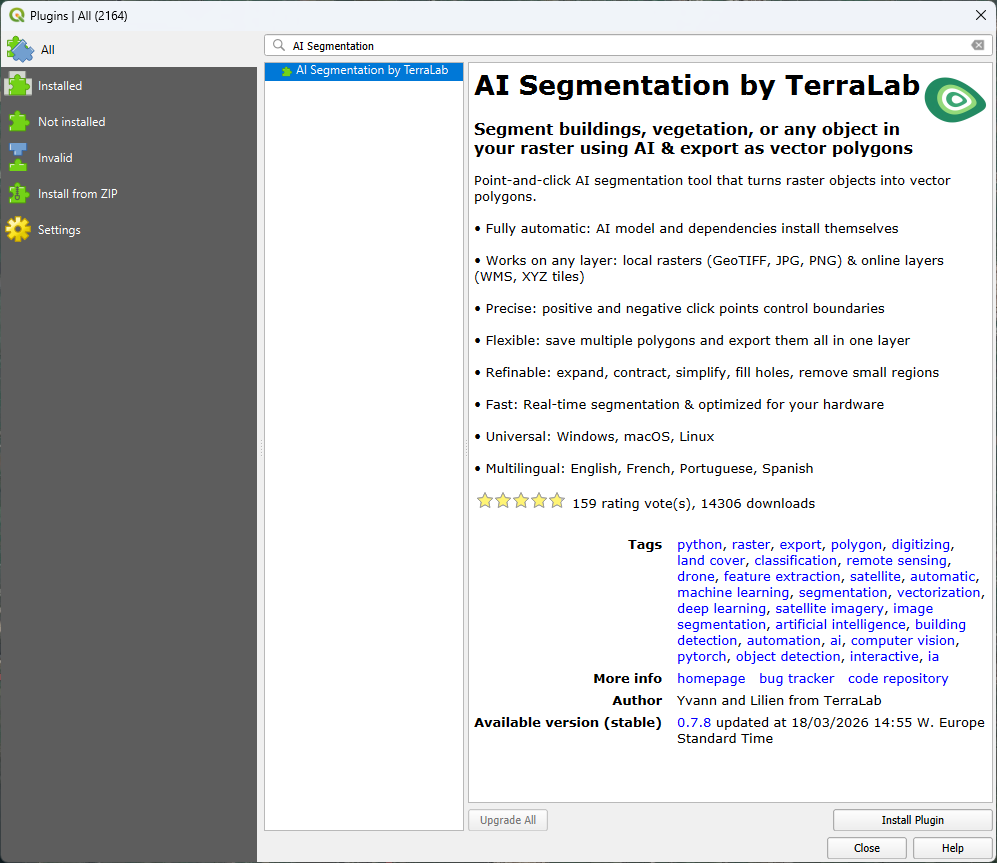
- After installation, click Close to close the dialog.
4. In the toolbar, click  to open the panel of the AI Segmentation plugin.
It will start automatically installing the dependencies.
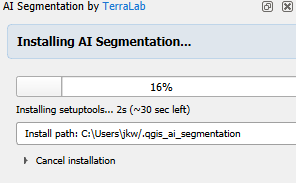
5. Meanwhile, you can register in the popup. Click Get my verification code.
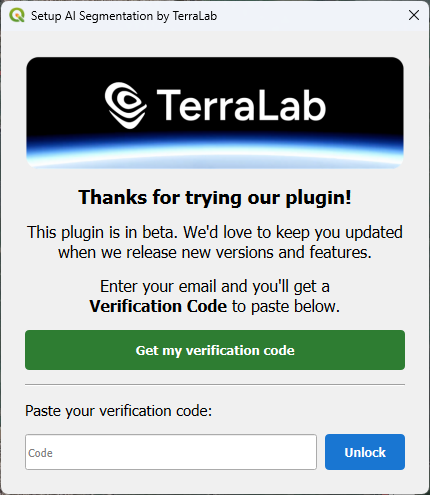
6. A web page will open now. Register with your e-mail address and copy the verification code.
7. Paste the verification code in the dialog and click Unlock.
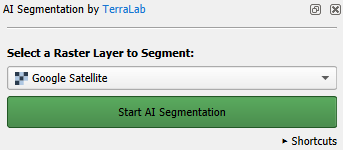
When the installation is completed, the panel looks like the screenshot below.
In the next section, we'll start segmenting parcel polygons at our ground truth points.