
Preprocessing a DEM and calculate flow direction
4. Styling the DEM and Generating Contours
4.1. Style the DEM with a colour ramp
The DEM is a continuous raster. Continuous rasters represent gradients and can therefore contain real numbers (or floating point). Continuous rasters are styled in QGIS using ramps in the Singleband pseudocolor dialog.
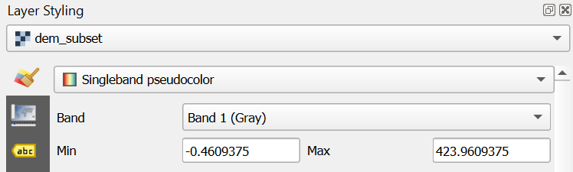
1. In the Layers panel, select dem_subset and click  to open the Layer Styling panel (or press F7).
2. In the Layer Styling panel choose Singleband pseudocolor from the drop-down list.
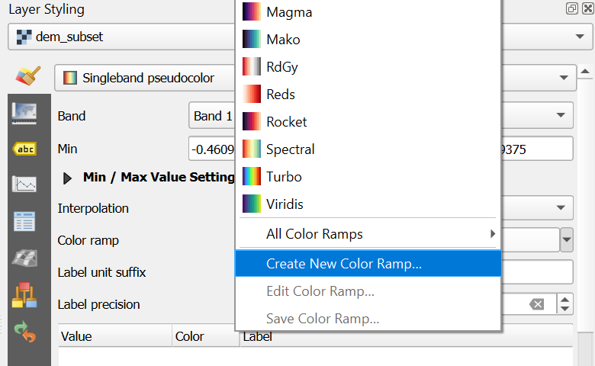
3. Right-click on the color ramp and choose Create New Color Ramp.
4. In the popup Color ramp type dialog choose Catalog: cpt-city from the drop-down list.
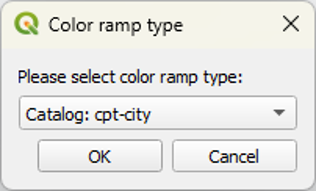
The cpt-city catalog has a lot of useful preset colour ramps.
5. Choose a color ramp from the Topography section. Note that cd-a and sd-a are nice choices. cd-a will be used for the remainder of this exercise.
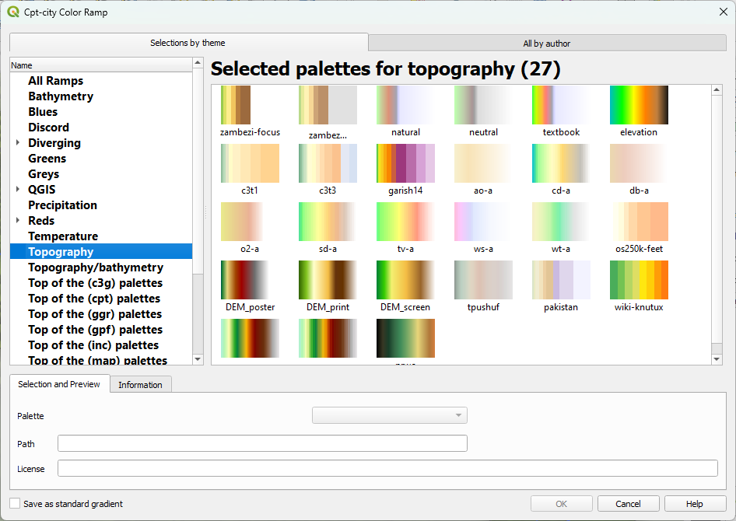
6. Click OK to close the dialog.
7. Back in the Layers panel, click Classify to apply the colour ramp.
This gives you more intuitive colors for the DEM so you can intuitively distinguish higher and lower areas.
Next, we'll render the DEM as hillshade.