
Tutorial: Remote Sensing Image Classification with QGIS
3. Preparing Ground Truth Data
3.2. Load Backdrop Layer
We will assume that the parcel boundaries have stayed more or less the same through time. For delineating the parcels, we could use the same Sentinel-2 image as we will use for the classification. A high resolution satellite image, however, would be more precise.
We'll load a Google Satellite image with the QuickMapServices plugin.
Let's first install the plugin.
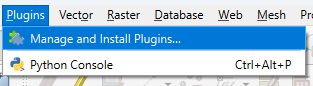
1. In the main menu go to Plugins | Manage and Install Plugins....
2. Search for the NextGIS QuickMapServices plugin and click Install Plugin.
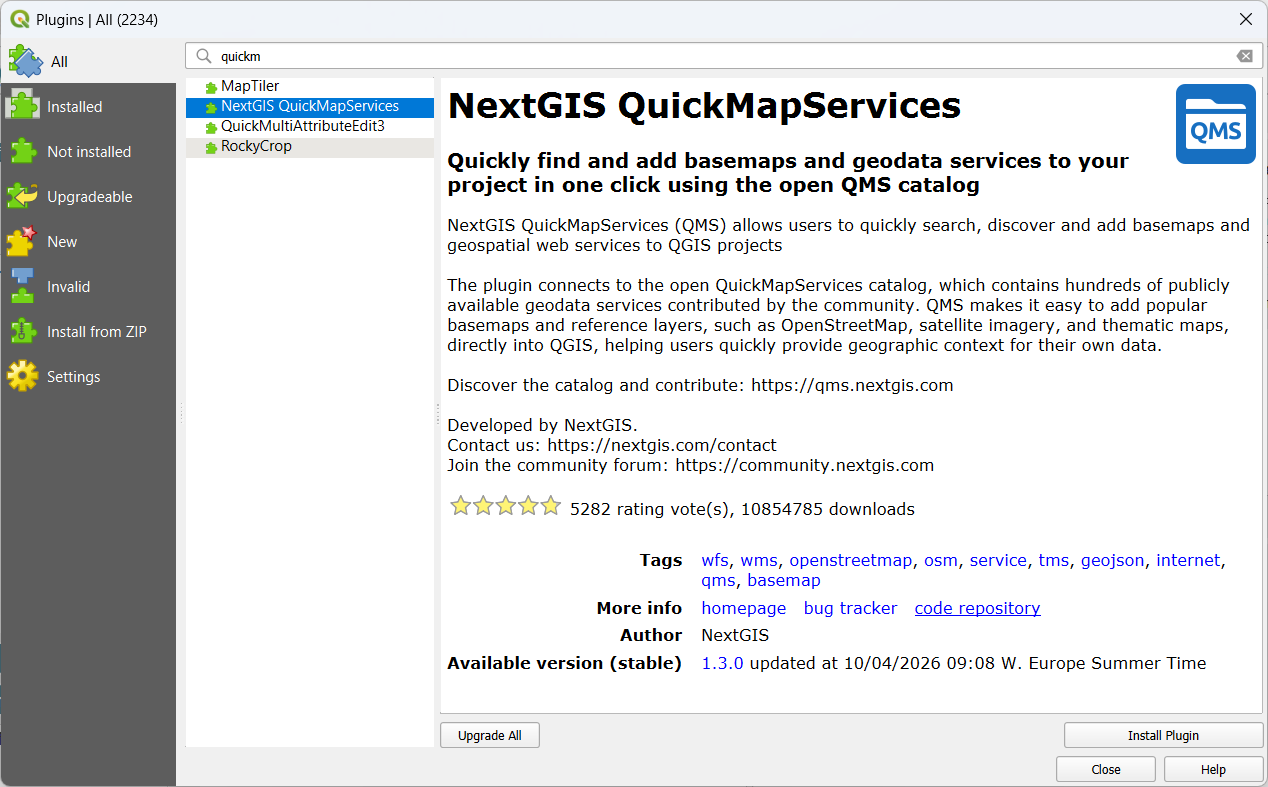
3. Click Close to close the dialog.
Now we can look for the Google Satellite layer and load it into the map canvas.
4. In the main menu, go to Web | QuickMapServices | Google | Google Satellite.
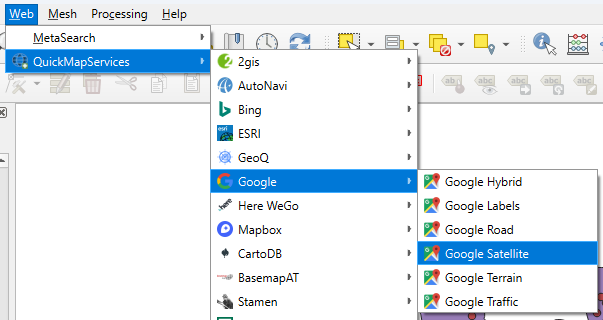
The satellite image is now visible in the map canvas.
In the next section, we'll improve the visibility of the ground truth data on the satellite backdrop.